



Redeem Tours Purchased on ShakaGuide.com (Logged In)

Step 1: Install the app
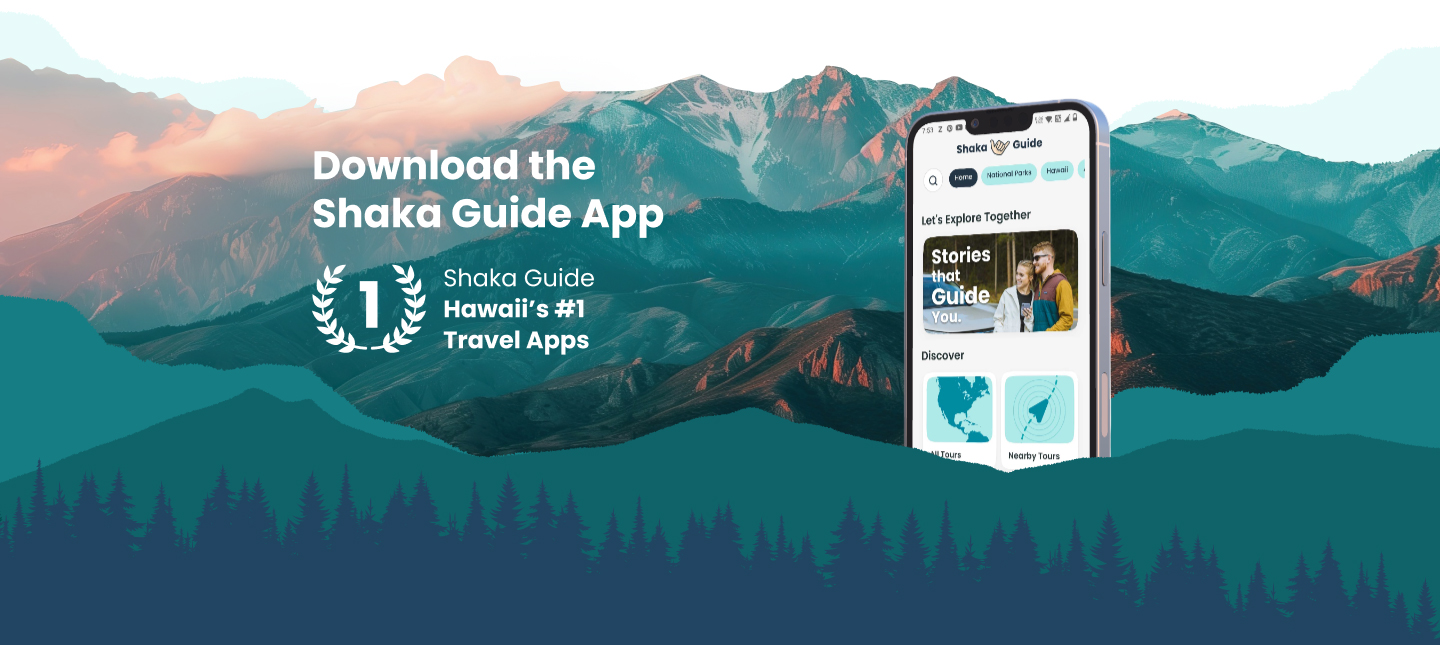
Download Shaka Guide: GPS Driving Tours from the App Store or Google Play.
Step 2: Sign in the same way you bought
Open the app and tap Sign In, then choose the same method you used on the website:
-
Used Sign in with Apple on the website → use Sign in with Apple in the app
-
Used Sign in with Google on the website → use Sign in with Google in the app
-
Used Email + password on the website → use Sign in with Email using the same email and password
Step 3: Download your tours
-
Go to My Stuff
-
Your tour(s) should appear there
-
Download your tour(s) on WiFi before you head out
Not seeing your tours?
No stress, this happens sometimes. Try these in order:
-
Sign out, then sign back in using the correct sign-in method (Apple vs Google vs Email), then check My Stuff again
-
In the app, tap Support → Retrieve Purchases, then check My Stuff again
-
Update the app to the latest version
-
Last resort: delete the app, reinstall the latest version, sign in again the correct way, then check My Stuff
Pro tips before you go
-
Download your tours on WiFi so you’re set even if service gets spotty on the road
-
Make sure the app has location permission set to "Always"(iOS) or "All the time" (Android) so GPS triggers work during the tour (this helps the tour run smoothly once you’re driving)
Once it’s in My Stuff, you’re good to go. Download it, hit the road, and enjoy your ride with Shaka Guide 🤙
Need more help? Start here: shakaguide.com/support
If you still need a hand, email aloha@shakaguide.com or call +1 808 201-8138.


 TikTok





 to fuel your ride
