



Must-Have Apps for Exploring Yellowstone National Park

Key Takeaways:
- Download all Yellowstone apps before arriving—cell service is extremely limited inside the park.
- The NPS app is essential for real-time alerts, road closures, safety info, and official maps.
- Recreation.gov is your go-to tool for campground bookings, permits, and reservation requirements.
- Shaka Guide provides offline, GPS-triggered audio narration so you can explore without relying on a signal.
- Apps like AllTrails, iNaturalist, and Merlin Bird ID enhance hiking and wildlife viewing when used offline.
Table of Contents:
Yellowstone is enormous, remote, and famously unreliable when it comes to cell service. Roads close, weather changes fast, and it’s easy to drive right past something incredible without realizing it.
The right apps can make your trip smoother, safer, and a lot more rewarding.
The key is choosing apps that work offline, help with real logistics, or add context without pulling your attention away from the park itself.
Some apps handle reservations. Others help identify wildlife. And one turns the drive into the experience of a lifetime.
Here are the best apps for visiting Yellowstone National Park—and what each one is actually good for.
App #1: National Park Service (NPS) App
- Cost: Free
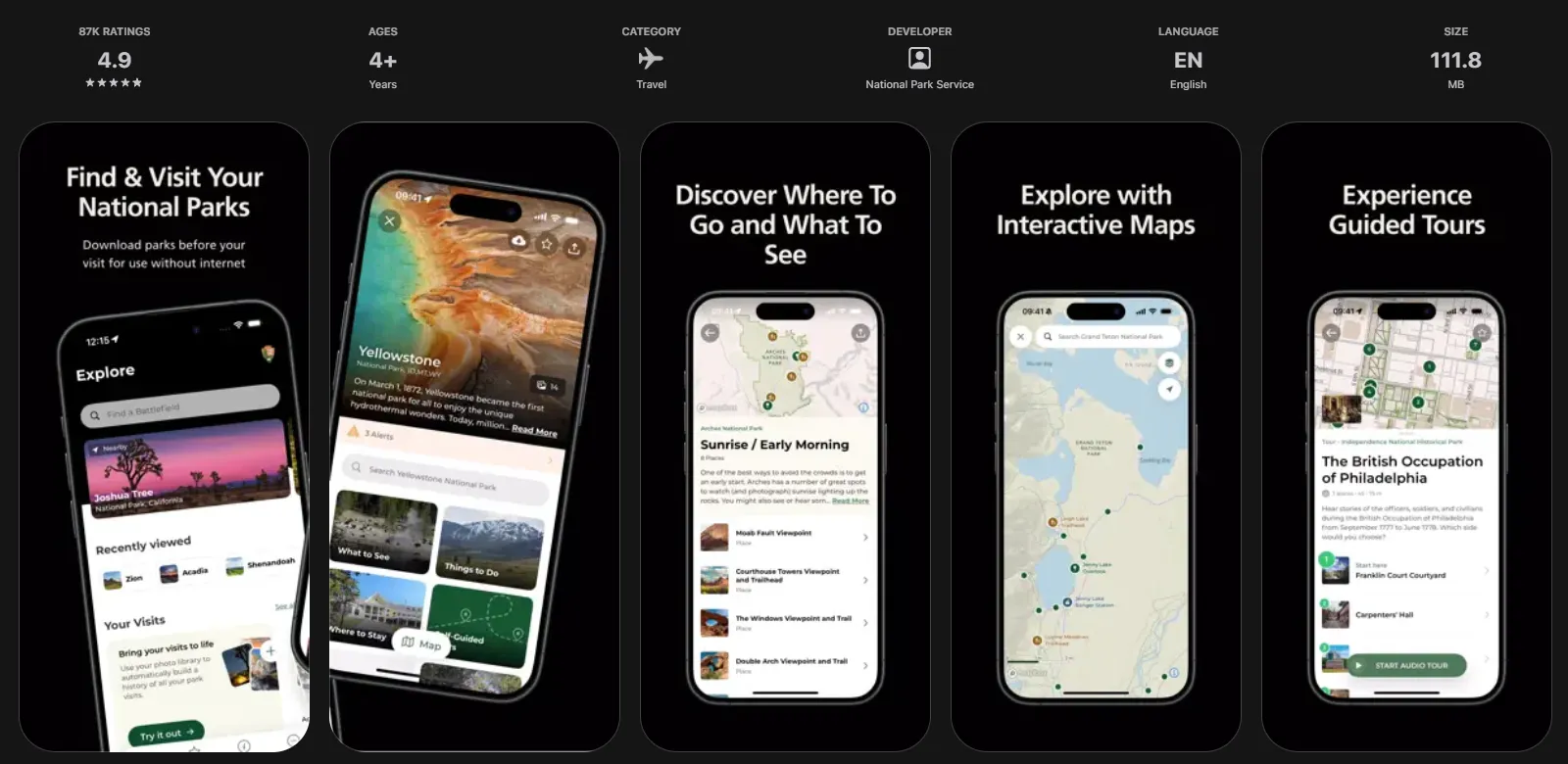
The National Park Service app is definitely the most important app to have on your phone in Yellowstone.
...Whoulda´thought, right?
It’s the official source for park alerts, road closures, safety updates, maps, and facility hours—and it’s often the first place changes are posted.
Checking official road condition updates through NPS road status pages or linked state resources is one of the smartest habits you can have in the park. These updates tell you what’s open today, not what was open last week.
Many navigation tools lag behind real-time park decisions, especially in shoulder seasons and winter.
Pairing road condition updates with the NPS app helps you avoid backtracking, missed stops, or long detours.
What the NPS app doesn’t do is guide you through the park or explain what you’re seeing in real time.
For that, you’ll need our number 3, Shaka Guide.
Best for: road closures, alerts, official maps, safety info.
App #2: Recreation.gov
- Cost: Free; bookings may charge a fee
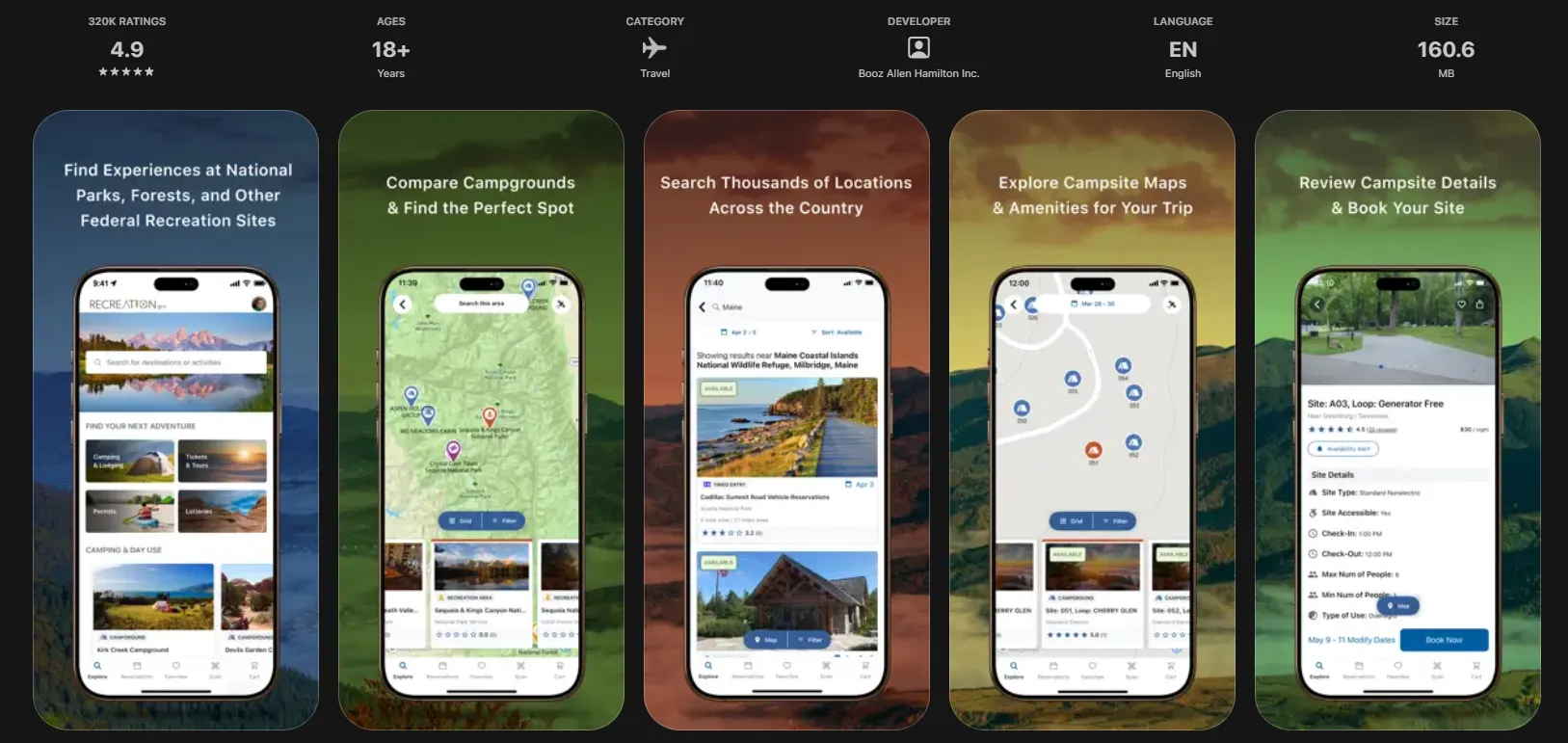
If your Yellowstone trip involves camping, permits, or reservations, Recreation.gov is essential—especially before you arrive.
This is where you’ll book:
- campgrounds
- backcountry permits
- some park-managed tours and activities
It’s also useful for checking what requires reservations versus what’s first-come, first-served. Even if you’re staying outside the park, Recreation.gov helps you understand rules and planning constraints.
You probably won’t use this app much once you’re actually sightseeing, but it can be a critical part of trip prep. Download it early, confirm reservations, and screenshot important details in case you lose service.
Best for: reservations, permits, pre-trip planning.
App #3 Shaka Guide
- Cost: One-time charge of 18.99, lifetime of unlimited use.
Shaka Guide turns your Yellowstone drive into a hands-free, GPS-triggered audio tour—so you can actually look out the window instead of at your phone.
Once it’s downloaded, the tour works completely offline. That means a seamless experience for you–no hunting for signal or wifi!
As you drive, stories, directions, and tips play automatically based on your location. You’ll hear what you’re looking at, why it matters, and where to stop—without having to plan out every detail or follow signs.
Shaka Guide is especially useful in Yellowstone, where major features are separated by long drives, and signage can be pretty minimal.
Instead of guessing what you’re seeing, you get context in real time: geothermal features, mountain peaks, wildlife behavior, park history, and can’t-miss pullouts.
Best for: your all-in-one trip planning app, guided driving, offline storytelling, learning as you explore, tips, and travel advice.
App #4: Weather App (NOAA or Similar)
- Cost: Free
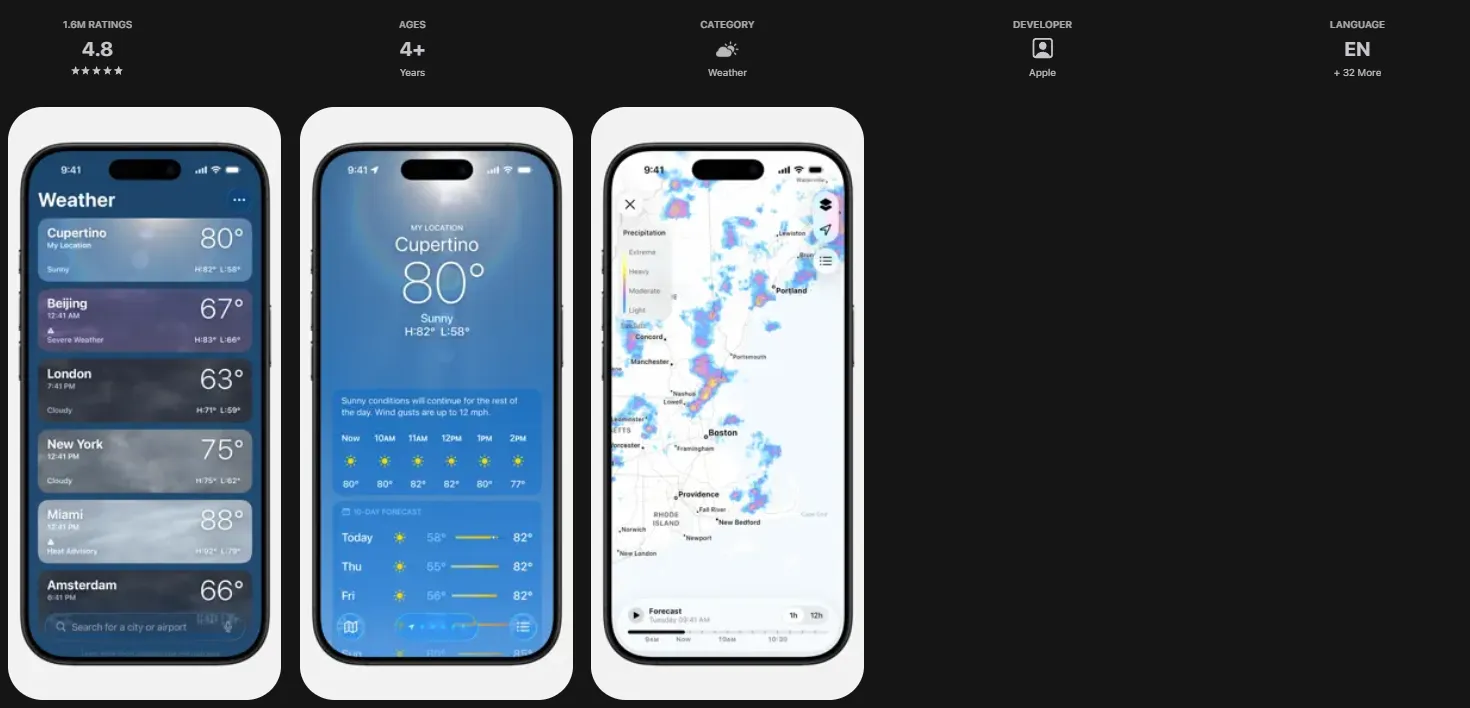
Weather affects everything in Yellowstone—road access, wildlife activity, hiking conditions, and safety.
Temperatures can vary dramatically by elevation, and storms can roll in quickly. Checking the forecast daily helps you decide when to start early, when to pivot plans, or when to stay flexible.
For Yellowstone, this is especially important in spring, fall, and winter, when snow and ice can come in unexpectedly.
Best for: daily planning, safety, and weather awareness.
App #5: iNaturalist
- Cost: Free
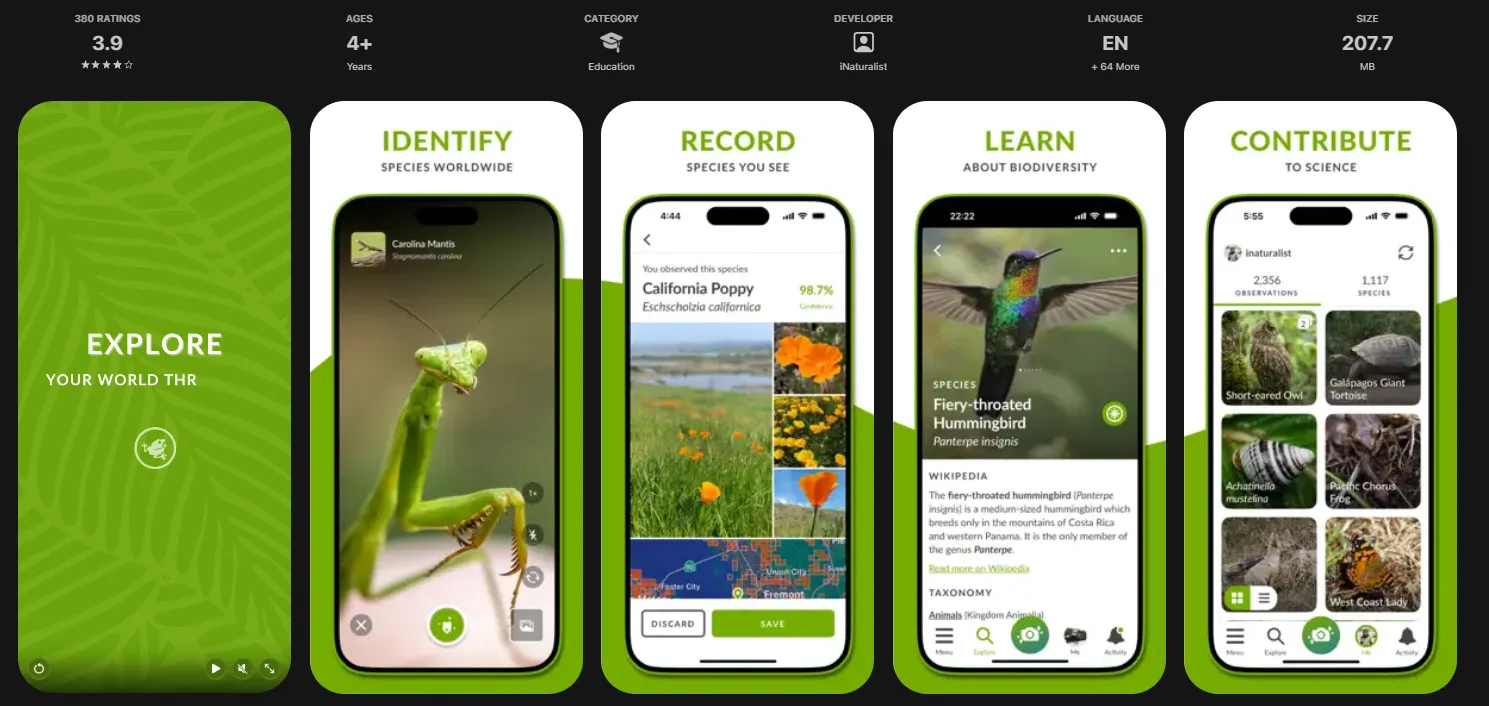
If you’re curious about the wildlife and plants you see in Yellowstone, you might want to check out iNaturalist.
The app helps identify animals, birds, plants, and even tracks using photos and location data. You can log observations offline and upload them later when you regain service.
It’s especially useful after wildlife sightings—helping you confirm what you saw or learn more once you’ve pulled over or finished a hike.
Best for: identifying wildlife and plants, post-sighting learning.
App #6: Merlin Bird ID
- Cost: Free
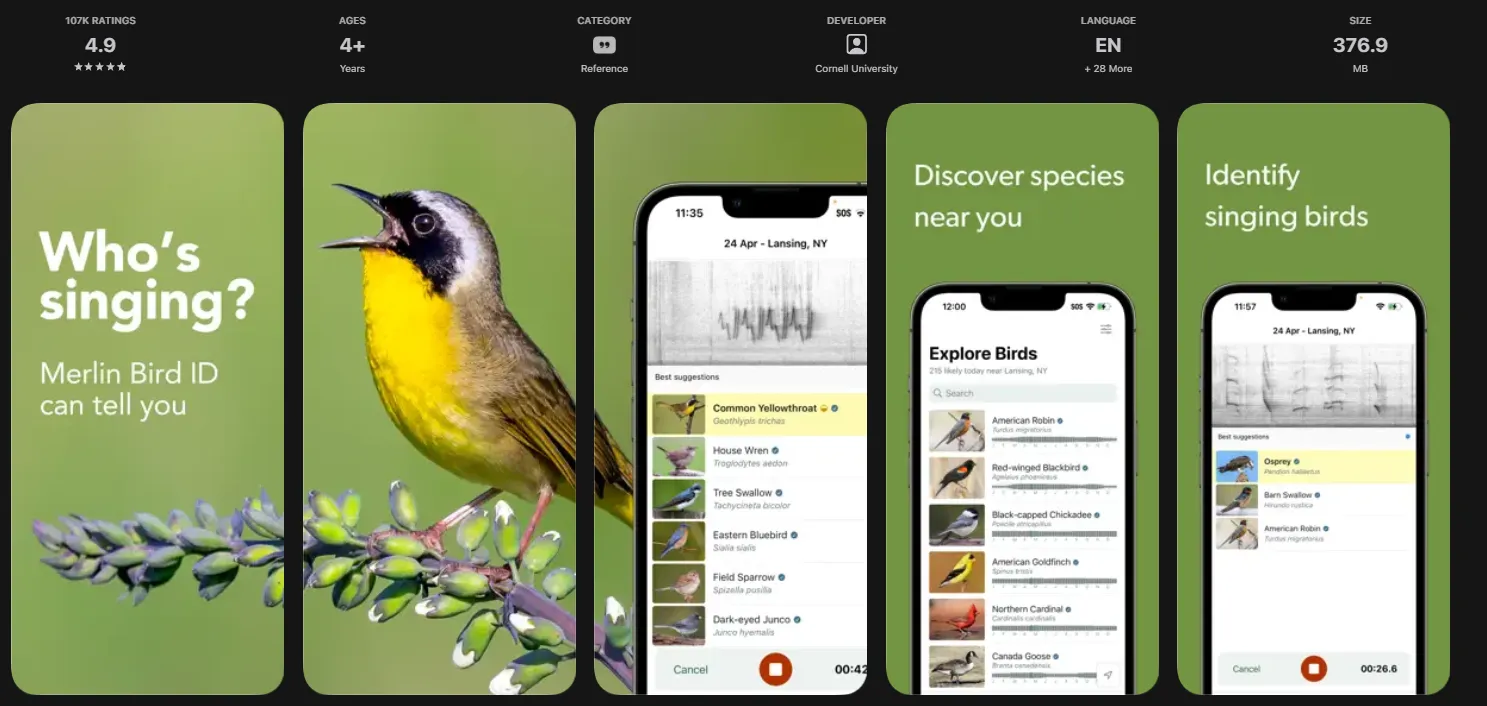
Yellowstone has incredible birdlife, and Merlin Bird ID makes it accessible—even for people who don’t consider themselves birders.
Developed by the Cornell Lab of Ornithology, Merlin can identify birds by photo, description, or sound. It works offline if you download bird packs in advance.
It’s simple, fast, and surprisingly addictive once you start noticing how many birds are around rivers, valleys, and geothermal areas.
Best for: bird identification, casual learning, and offline use.
App #7: AllTrails
- Cost: Free, with a premium paid-for version
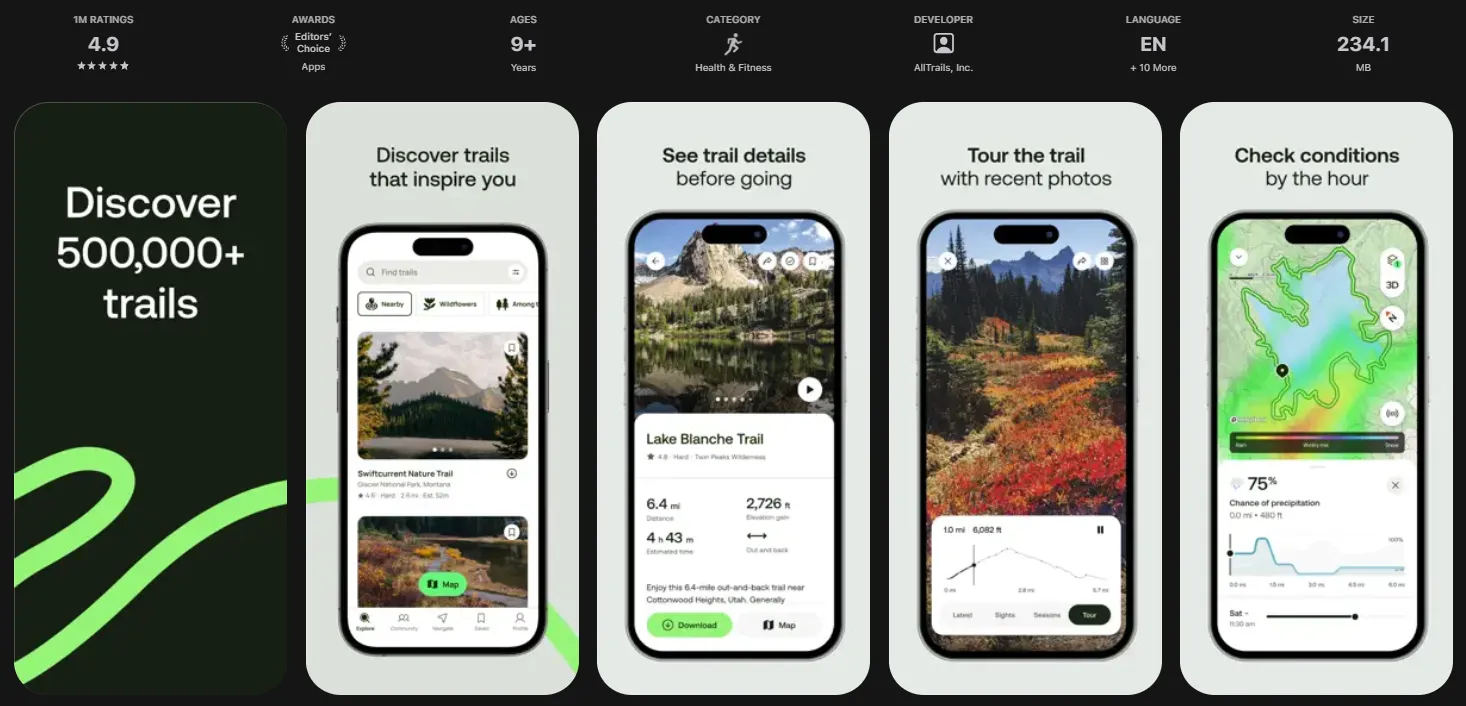
If hiking is part of your Yellowstone trip, AllTrails can be a helpful planning companion in addition to your Shaka Guide.
The app provides trail maps, elevation profiles, distance and difficulty ratings, and, perhaps best of all, recent user reviews.
Those reviews are often the most useful part, since hikers frequently report snow, mud, wildlife activity, or trail closures that haven’t made it onto official signage yet.
One important note: Yellowstone frequently closes trails for wildlife activity and safety reasons. Always confirm trail status with the NPS app or a ranger before heading out, even if AllTrails shows a route as open.
Note: While the free version has lots of trail maps available to you while you have service, offline use is unlocked via a subscription.
Best for: hiking reviews, trail conditions, and offline trail maps.
App #8: PeakFinder
- Cost: Free
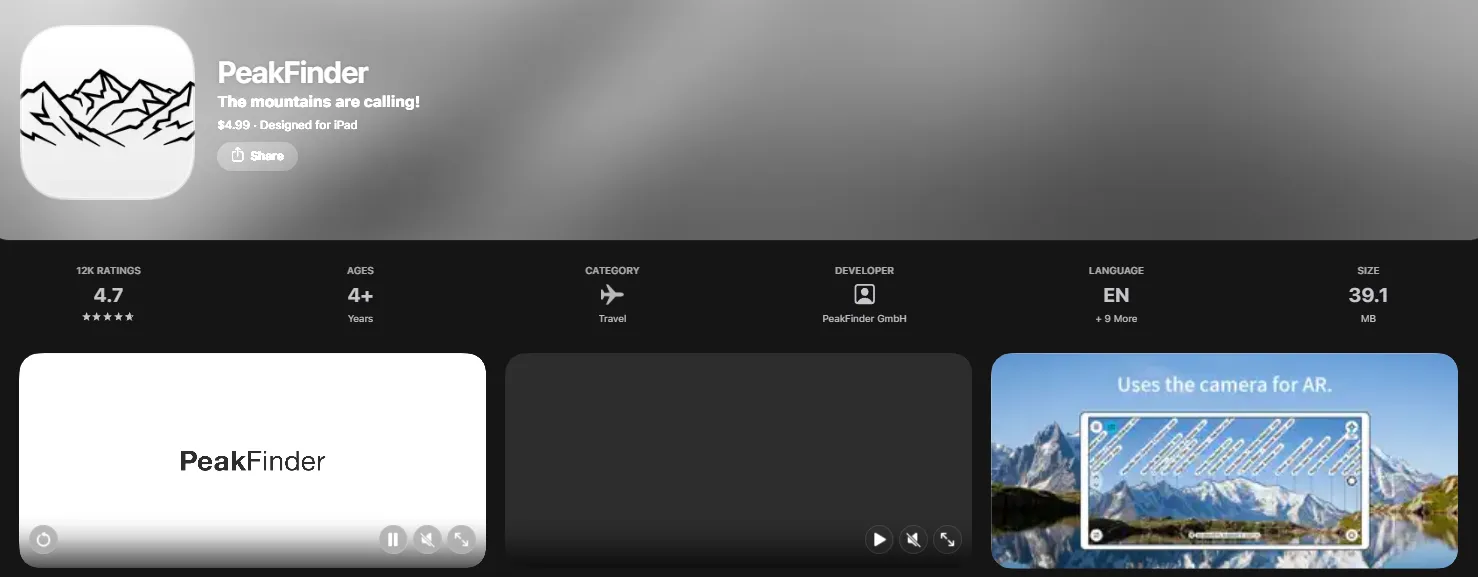
If you’ve ever stood at a Yellowstone overlook and wondered which mountain is which, PeakFinder answers that instantly.
While Yellowstone is known for geothermal features and wildlife, it’s also surrounded by major mountain ranges and high plateaus—especially around places like Mount Washburn, the Grand Canyon of the Yellowstone, and higher overlooks along the park’s scenic drives.
PeakFinder uses your phone’s camera and GPS to identify mountain peaks in real time, overlaying names, elevations, and distances directly onto the landscape.
This app is best used at viewpoints and overlooks, not while driving.
Best for: identifying mountain peaks, understanding the landscape, and offline use at viewpoints.
FAQs About Yellowstone Apps
Do apps work in Yellowstone without cell service?
Most apps only work in Yellowstone if you download content ahead of time. Cell service is extremely limited throughout the park. Apps with offline maps, downloaded tours, or cached data are essential once you’re inside. That means you’ll definitely want to download your Shaka Guide tour before you hit the road!
Which Yellowstone apps work offline?
The NPS app, Shaka Guide, iNaturalist, Merlin Bird ID, and most weather apps offer offline features if you download content in advance. Always download maps, tours, and data before entering the park.
Are official park apps better than third-party apps?
Official apps are best for alerts, closures, and safety information, as they’re typically updated the most regularly. Third-party apps can sometimes provide better or more specialized educational or experiential tools. Most people can benefit from using both—each for what it does best.
Can apps help with road closures and safety alerts?
Yes, the NPS app and official road condition updates are the most reliable sources. Navigation apps may lag behind real-time closures, especially during weather events.
When should you download Yellowstone apps?
Download and set up all apps (including Shaka Guide!) before you arrive, ideally while on strong Wi-Fi. Once you’re in the park, you may not have enough service to download maps, tours, or updates.
Are there Wi-Fi hotspots within the park?
Wi-Fi is available inside some park lodges, such as:
- Mammoth Hot Springs Hotel
- Old Faithful Snow Lodge
- Canyon Lodge
- Lake Yellowstone Hotel
- Grant Village
It’s generally slow, intended for basic use, and often restricted to guest rooms or common areas.
There is no Wi-Fi in campgrounds, and most visitor centers do not offer public Wi-Fi. Basically, plan to be offline for most of your stay in Yellowstone.
Explore Yellowstone with Shaka Guide
Want to experience Yellowstone without constantly checking your phone or a map? Shaka Guide’s Yellowstone audio tour uses GPS to guide you through the park with stories, directions, and tips that play automatically as you drive. Everything works offline, making it one of the easiest ways to explore Yellowstone without missing a beat.
Like this article? Share it on Pinterest!
Written By:
Ready to explore Yellowstone?
Take Shaka Guide’s Yellowstone National Park Audio Tour for turn-by-turn directions, local stories, and the freedom to explore at your own pace.
Visiting more parks in the region?
Don’t miss our Ultimate National Park Collection — it includes tours for Grand Teton, Yosemite, Death Valley, White Sands, and many more!
Still planning?
Check out our Yellowstone Itinerary and Know Before You Go guide to prep for your trip.
Have questions?
We’re happy to help — email us at aloha@shakaguide.com.








 to fuel your ride
