

loading...
trend Top Rated:

Thank You!

You’ve successfully purchased your tour(s).

Follow these steps to claim your purchase.

bulb

These instructions have also been sent to your email address.

triangle

Reminder: Sign up or log into the app using the same email you used to purchase your tours.

For New Users:

1. Download the app.

Click the link or scan the QR code below to download the Shaka Guide app from the App Store or Google Play.

Click the link to download the Shaka Guide app from the App Store or Google Play.

app-logo.png

2. Open the app.

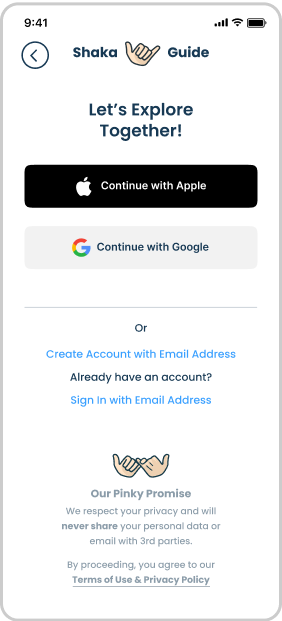
The app should automatically open and log you in.

open-app.png

warning
3. If the App Doesn’t Open Automatically

No worries! Just return to this page or check your email (we’ve sent these instructions to your inbox), then click the link or scan the QR code again to finish logging in.

inbox.png

4. Find Your Tours

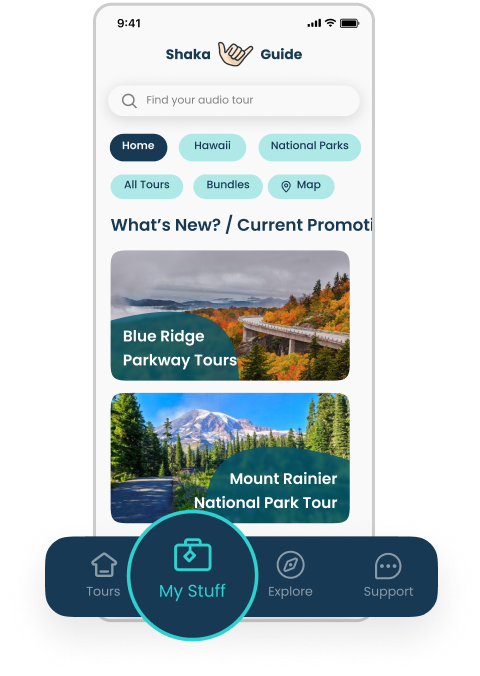
Once you're in the app, go to the My Stuff tab to see your purchased tours.

find-your-tours.png

For Returning Users:

1. Open the app.

Click the link or scan the QR code below. This will open the Shaka Guide app.

open-app.png

warning
2. Using a Different Email?

If this purchase was made with an email that’s different from the one linked to your app, you’ll be prompted to transfer your purchases. Once transferred, your purchases will be permanently linked to your app account ID — not the account used at checkout.

transfer-purchase.png

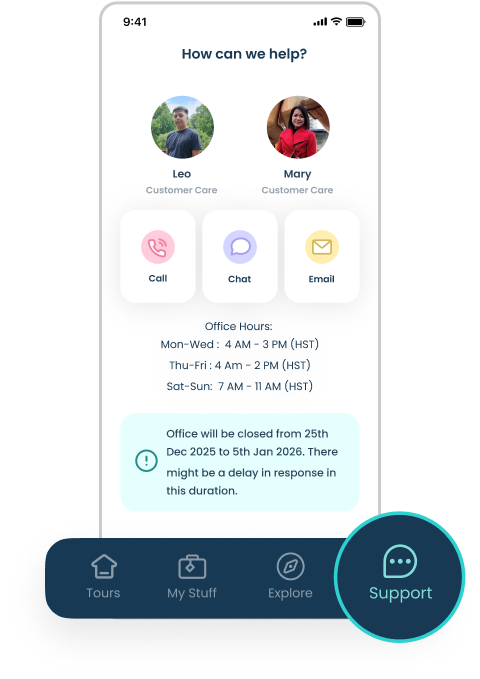
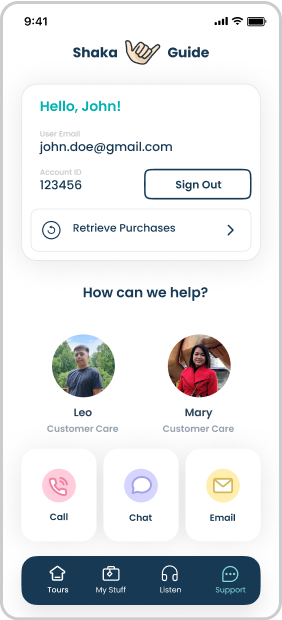
Need to update your app account ID first? Just head to the Support tab in the app and reach out to our Customer Support team — we’re happy to help!

how-can-we-help.png

3. Find Your Tours

Head to the My Stuff tab to view your purchased tours.

find-your-tours.png
5 star

4.9(62.2k)

Scan this QR code to
download the app.

Click QR to enlarge.

5 star 4.9(62.2k)
Download the app

Join the Ride!

Our next stop - your inbox! Subscribe to our email list for travel tips, inspiration, special offers, and more!